LEARN / ORGANIZE
Sort Groups and Tabs
Choose whether to rearrange a list in Vault or change the order of live Tabs in Chrome.
Free and Pro · About 3 minutes
Sort the Library
Sort Active Groups
Open Active. Click the sort icon beside Search. Choose Browser Order, Name or Tab Count. This changes only the Vault list.
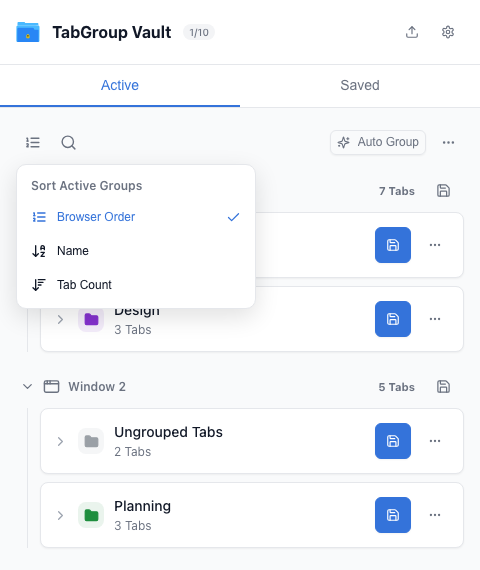
Choose how Active Groups appear in Vault. Sort Saved Items
Open Saved and use its separate sort icon. Choose Recent, Name or Tab Count. Vault remembers each view’s choice.
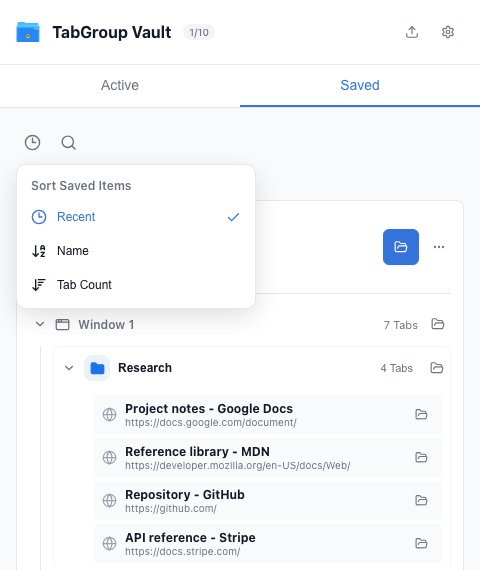
Choose the Saved library order.
Change Live Tab Order
Open a Group Menu
In Active, click the three-dot menu on a Group. Choose Sort Tabs.
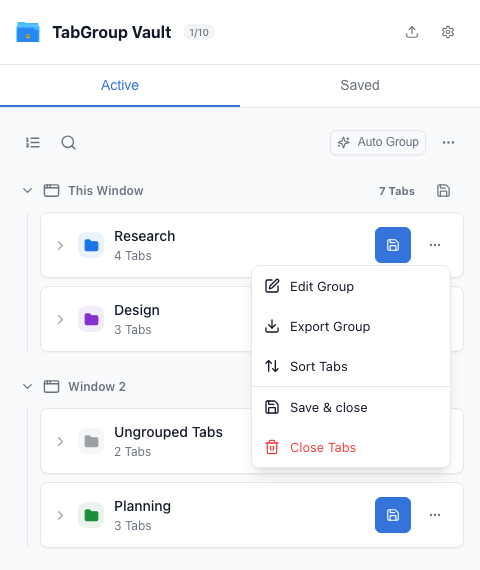
Sort Tabs is inside the live Group menu. Review the Result
Vault moves the live Tabs in that Group by website address, keeping Tabs from the same site together. Check Chrome afterward. Save or update the Group backup to keep the new order.
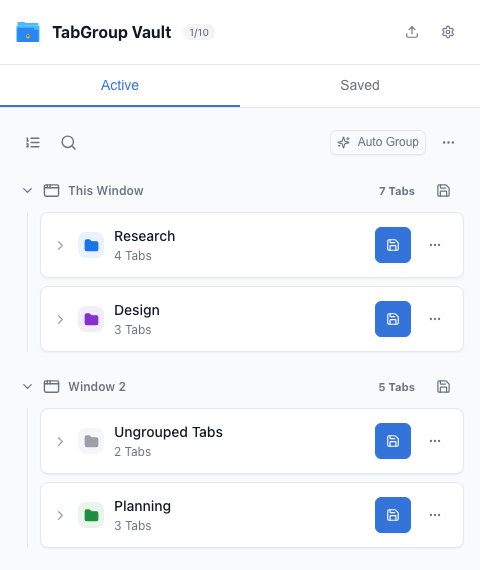
Check the Group after sorting, then save it.
Next: Edit Groups and Tabs