Why This Comparison Matters
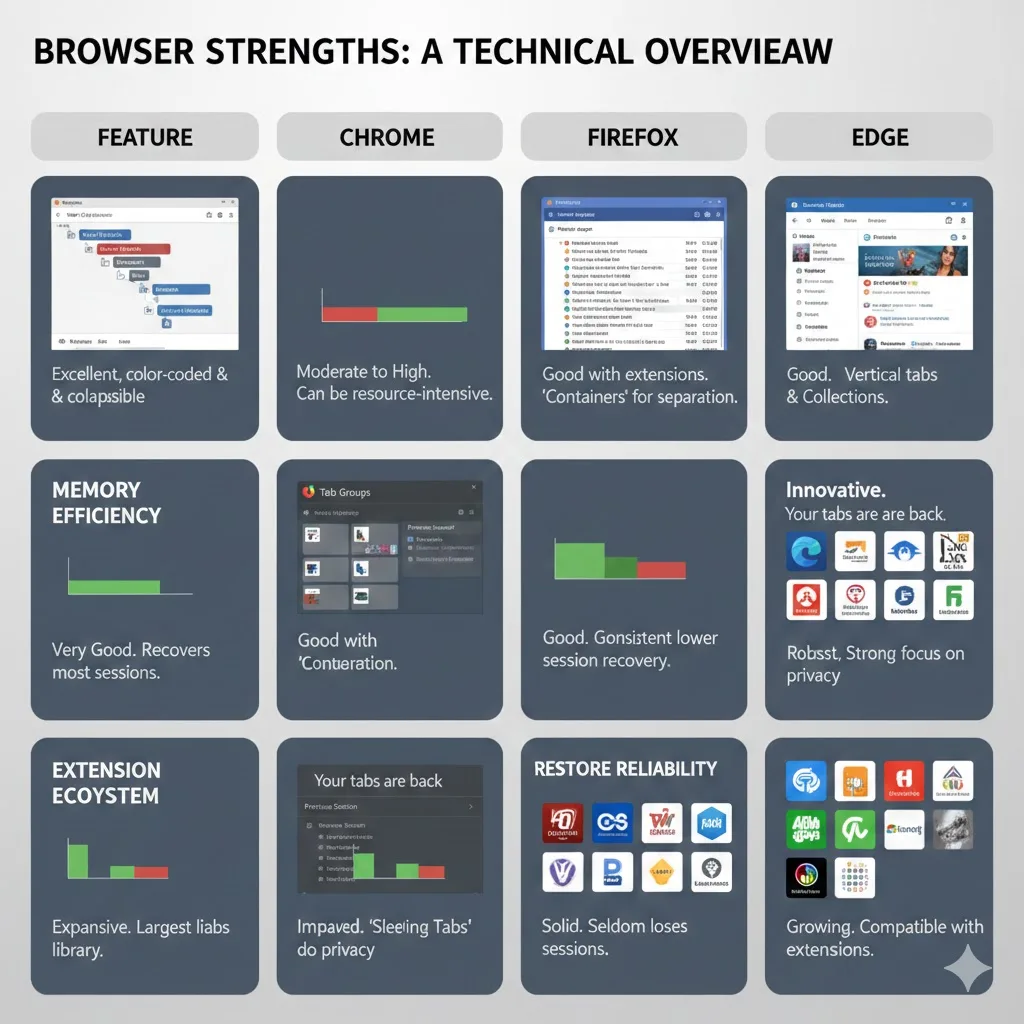
If you work with many tabs daily, your browser choice has a direct impact on your productivity and your system's performance. The three major desktop browsers, Chrome, Firefox, and Edge, have each taken different approaches to handling tabs. Their architectures, built-in features, and extension ecosystems diverge in ways that matter when tab counts climb into the dozens or hundreds.
We tested all three browsers with identical workloads: the same sites, the same number of tabs, the same extensions where available. This is not a general browser comparison. It is specifically focused on tab handling: how they group, manage, restore, and optimize tabs.
Native Tab Grouping
Tab grouping is the ability to cluster related tabs under a named, color-coded label directly in the tab bar. It is the foundation of organized tab management.
Chrome
Chrome added tab groups in 2020 and has refined them since. Right-click any tab to create or join a group. Groups can be named, colored (8 color options), collapsed with a single click, and moved between windows. Chrome also supports saved tab groups that persist across sessions, though the save feature has had reliability issues with groups disappearing after updates or crashes.
Chrome's tab groups are the most widely supported by third-party extensions. Tools like TabGroup Vault can save, restore, and back up tab groups precisely because Chrome exposes its tab group data through its extension APIs.
Firefox
Firefox does not have native tab grouping. Mozilla removed its Tab Groups (Panorama) feature back in 2015 and has not reintroduced anything equivalent. Firefox users who want tab grouping must rely entirely on extensions. The two most popular options, Simple Tab Groups and Containerized Tab Groups, provide grouping functionality but require users to learn a separate interface that sits alongside the tab bar rather than being integrated into it.
Firefox's container tabs feature, while not grouping in the traditional sense, allows tabs to be isolated by identity (work, personal, banking). This is useful for privacy but does not help with organizing large numbers of tabs by project or topic.
Edge
Edge, being built on Chromium, inherits Chrome's tab group feature with identical functionality. You get named, colored, collapsible groups with the same right-click interface. Edge also adds vertical tabs, which display your tabs in a sidebar instead of a horizontal bar. Vertical tabs give each tab more room for its title and work well in combination with tab groups, especially on widescreen monitors.
| Feature | Chrome | Firefox | Edge |
|---|---|---|---|
| Native tab groups | Yes (full) | No | Yes (full, same as Chrome) |
| Group colors | 8 colors | N/A | 8 colors |
| Collapse groups | Yes | N/A | Yes |
| Saved groups | Yes (built-in) | N/A | Yes (built-in) |
| Vertical tabs | No (extension only) | No (extension only) | Yes (built-in) |
| Tab search | Ctrl+Shift+A | Ctrl+Shift+Tab (list) | Ctrl+Shift+A |
Memory Usage Per Tab
Memory efficiency is critical for tab-heavy users. We tested each browser with 10, 25, and 50 identical tabs open (a standard mix of content types) and measured total browser memory consumption.
| Tab Count | Chrome | Firefox | Edge |
|---|---|---|---|
| 10 tabs | ~900 MB | ~700 MB | ~850 MB |
| 25 tabs | ~2.1 GB | ~1.6 GB | ~1.9 GB |
| 50 tabs | ~4.2 GB | ~3.0 GB | ~3.8 GB |
Firefox consistently uses less memory than Chrome and Edge across all tab counts. The difference is roughly 25-30% at 50 tabs. This is due to Firefox's process model, which shares processes across multiple tabs from the same site rather than giving every tab its own process.
Edge uses slightly less memory than Chrome despite sharing the same Chromium engine. This is partly due to Edge's sleeping tabs feature, which suspends inactive tabs more aggressively than Chrome's Memory Saver. Edge activates this by default, while Chrome requires users to manually enable Memory Saver.
Context Matters
Memory usage varies significantly based on the sites you visit. These benchmarks use a standardized mix. Your actual numbers will differ based on whether you run web apps, media-heavy sites, or simple text pages. The relative ranking (Firefox lightest, Chrome heaviest) is consistent regardless of content mix.
Session Restore Reliability
Session restore is what happens when you reopen your browser after closing it, or after a crash. For tab-heavy users, reliable session restore is essential.
Chrome
Chrome restores tabs when configured to do so under Settings > On startup > Continue where you left off. It generally works but has known issues with tab groups. Users have reported saved tab groups disappearing after Chrome updates, crash recoveries, or even after normally closing and reopening Chrome. This unpredictability is one of the primary reasons people use tab-saving extensions alongside Chrome.
Firefox
Firefox has the most robust session restore of the three. It saves session data aggressively, including scroll positions, form data, and browsing history within each tab. After crashes, Firefox typically offers to restore all tabs or select which ones to bring back. Firefox's session restore has been reliable for years and handles large tab counts well.
Edge
Edge's session restore works the same as Chrome's, inheriting both its capabilities and its quirks. Edge does offer an additional startup boost feature that pre-loads the browser in the background, making initial tab restoration feel faster. However, it carries the same tab group reliability concerns as Chrome.
| Restore Feature | Chrome | Firefox | Edge |
|---|---|---|---|
| Basic tab restore | Reliable | Excellent | Reliable |
| Tab group restore | Inconsistent | N/A (no groups) | Inconsistent |
| Scroll position | Sometimes | Yes | Sometimes |
| Form data | No | Yes | No |
| Crash recovery | Automatic | User-selectable | Automatic |
Extension Ecosystem for Tab Management
The availability and quality of tab management extensions varies significantly across browsers. This is where Chrome has a decisive advantage.
Chrome
Chrome has the largest and most active extension ecosystem for tab management. The Chrome Web Store includes dozens of tab-related extensions covering every niche: tab saving (TabGroup Vault, Session Buddy, OneTab), tab searching (Tab Manager Plus), tab suspending (The Great Suspender successors), and workspace management (Workona, Toby). The tab group API is well-documented, enabling extensions like TabGroup Vault to fully interact with Chrome's native groups.
Firefox
Firefox's extension ecosystem is smaller but includes solid options. Simple Tab Groups is the primary grouping solution. Tree Style Tab provides a unique tree-based vertical tab interface. However, Firefox's WebExtensions API offers fewer tab management capabilities than Chrome's, which limits what extensions can do. There is no equivalent to Chrome's tabGroups API because Firefox does not have native tab groups.
Edge
Edge can install Chrome extensions directly from the Chrome Web Store (with a toggle in Edge settings). This gives Edge users access to nearly the entire Chrome extension ecosystem, including tab management tools. Some Chrome extensions may have minor compatibility issues on Edge, but most work identically. Edge also has its own smaller add-ons store.
| Ecosystem Factor | Chrome | Firefox | Edge |
|---|---|---|---|
| Tab management extensions | 50+ | 15-20 | 50+ (via Chrome store) |
| Tab group API | Full | None | Full (same as Chrome) |
| TabGroup Vault available | Yes | No | Yes (via Chrome store) |
| Extension quality/variety | Excellent | Good | Excellent (shared with Chrome) |
Built-In Performance Features
Each browser includes built-in features specifically designed to manage tab performance.
Chrome: Memory Saver
Chrome's Memory Saver (Settings > Performance) suspends inactive tabs to free memory. It must be manually enabled. Users can exclude specific sites. The feature is effective but aggressive suspension can cause form data loss and slow tab reactivation.
Firefox: Unloaded Tabs on Startup
Firefox does not suspend tabs during a session, but it does delay loading restored tabs on startup. When you reopen Firefox with many tabs, only the active tab loads immediately. Other tabs show their titles and favicons but do not load until you click on them. This makes startup fast even with hundreds of tabs in the session. During a session, Firefox relies on its efficient memory management rather than tab suspension.
Edge: Sleeping Tabs
Edge's sleeping tabs feature is enabled by default and suspends tabs after a configurable period of inactivity (default: 2 hours, configurable down to 30 seconds). Edge is more aggressive about tab sleeping than Chrome and provides clearer indicators when a tab has been put to sleep. It also includes a performance dashboard that shows how much memory and CPU sleeping tabs have saved over time.
TabGroup Vault: The Extension Layer
Works with: Chrome and Edge (Chromium-based browsers)
What it adds: Save tab groups as persistent snapshots, restore on demand, back up to Google Drive
Why it matters: Built-in features suspend tabs (partial savings). TabGroup Vault lets you close tabs entirely (100% savings) with guaranteed restore.
Price: Free (5 snapshots) / $29 one-time Pro
The Verdict: Which Browser Is Best for Tabs?
There is no single winner across all categories. Each browser has clear strengths and weaknesses for tab management.
Choose Chrome if:
- You rely on tab groups as a core part of your workflow
- You want the widest selection of tab management extensions
- You use Google Workspace and benefit from Chrome's deep integration with Google services
Choose Firefox if:
- Memory efficiency is your top priority
- You value reliable session restore that preserves scroll positions and form data
- Privacy features like container tabs matter to your workflow
- You do not need native tab grouping (or are happy with extension-based solutions)
Choose Edge if:
- You want Chrome's tab groups plus built-in vertical tabs
- You prefer sleeping tabs enabled by default with minimal configuration
- You want access to Chrome extensions while using a slightly more memory-efficient browser
- You work in a Microsoft-centric environment
Our Take: Browser Matters Less Than Strategy
After extensive testing, the honest conclusion is that your tab management strategy matters more than your browser choice. All three browsers struggle when you load 50 or more tabs. All three benefit from reducing active tab counts. The difference between Chrome's 4.2 GB and Firefox's 3.0 GB at 50 tabs is meaningful, but both numbers are high.
The real performance gains come from tab management practices: grouping tabs, saving inactive groups, closing what you do not need right now, and restoring on demand. On Chrome and Edge, TabGroup Vault makes this workflow seamless with native tab group support. On Firefox, similar workflows are possible with session management extensions, though without the tab group structure.
For more on optimizing Chrome specifically, see our guide on speeding up Chrome with tab-focused optimizations. For understanding the technical reasons behind browser memory consumption, read why browsers slow down with too many tabs.